Traverse Standard v11.0
Tooling Where-Used
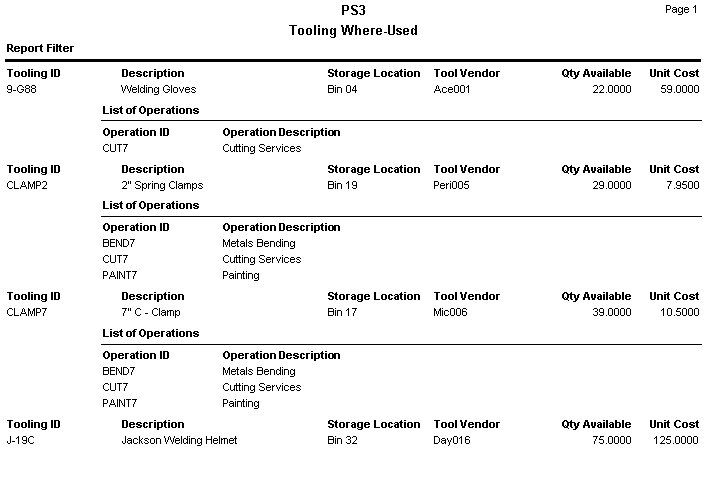
This report shows the operations in which each tooling ID is used and shows the impact of any changes in the current tooling availability. Print this report before you perform a global replacement of tooling items.
- Use the Data Filter to select the range of filtering options or leave the filter blank to include all available data.
- Select the Page Break after Tooling check box, if applicable, to include page breaks after each tooling in the report.
- Click a command button to
| Select | To |
| Print the Tooling Where-Used report using the selected criteria. | |
| Output | Output the list as a PDF. |
| Send | Save the list as a PDF and attach it to an email using your default mail program. |
| Preview | Preview the Tooling Where-Used report using the selected criteria. |
| Reset | Reset all fields and lists to their default selections. |
 Sample Tooling Where-Used Report