Traverse Global v11.2 - Service Repair
Job Inquiry
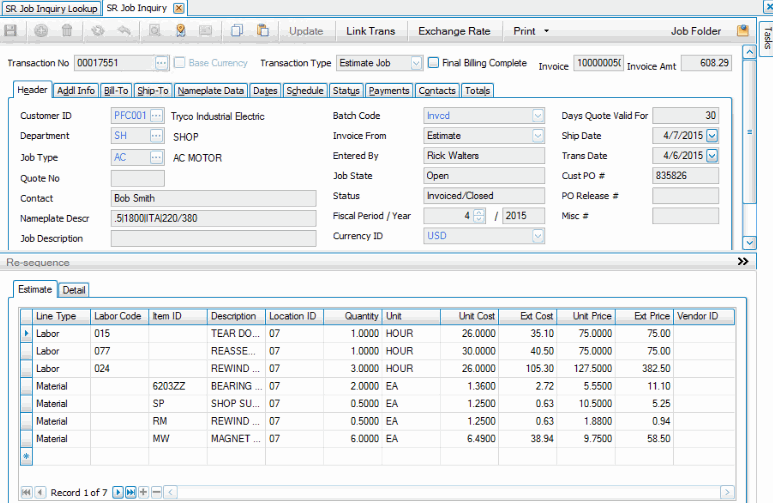
Use the Job Inquiry function to view details of active or historical job transactions. The Job Inquiry screen is the same as the Job Transaction screen, but all fields are read-only. No maintenance can be done through the Job Inquiry screen.
If you set the SR business rule Edit Fields in Job Inquiry to 'Yes', you can then set security to allow certain fields to be edited in the Job Inquiry screen. If you do choose to allow fields to be edited in the Job Inquiry screen, use the Update button on the Job Inquiry screen to allow the edit.
 Field Security screen on the Security menu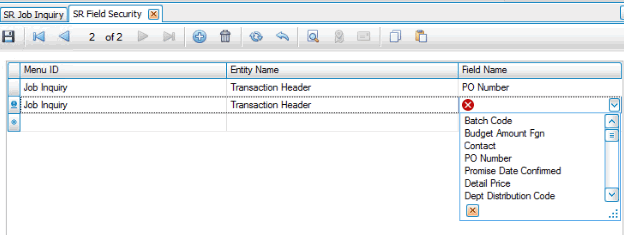
To view details for a job, select the transaction to view from the Transaction No drop-down list. The Job Inquiry screen will display the details for the job.